


|
Just last week, I was preparing a presentation for class that I had to present for a local library.
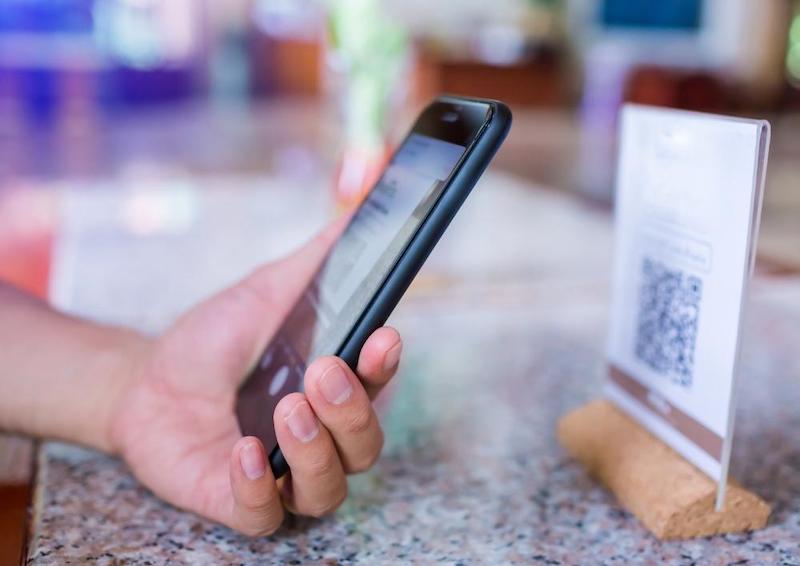
I wanted in include a couple of slides that provided links and QR codes for a few iTandCoffee pages (see example in image above). I have previously generated QR codes using Chrome. I went to generate the QR code for a particular web page, and found that the way you use to be able to do in Chrome had obviously changed. It took a bit of searching before I finally found the location of the Create QR Code option. Here's where I found it in Chrome on my Mac.
0 Comments
8/2/2025 0 Comments How can I export the passwords saved in my Chrome app and import to Apple's Passwords?This question came up during an appointment this week.
A client had multiple Chrome profiles, and each profile stored a different set of passwords - so the passwords were only auto-filled when she was using the applicable profile, not when she was in other profiles. She wanted to combine all of her passwords into the Apple passwords app and remove them from her Chrome profiles. Going forward, she will have her iCloud account storing all her passwords and autofilling in Chrome from there. Here's how she can achieve that. 15/3/2024 0 Comments Yes, you can autofill your Apple Keychain passwords in Chrome - both on Mac and WindowsFor many people, Chrome is their preferred Web Browser - even on a Mac.
But, up until recently, this has meant that you couldn't take advantage of the auto-fill capabilities of Keychain - to fill in your account details when signing into while using Chrome. This has recently changed - and you can now access your Keychain passwords in Chrome and Edge on both Mac and Windows. This makes it so much easier to combine your Apple, Google and Microsoft worlds when browsing the web. I only just discovered this the other day, even though it has been available in Chrome now for a few months.
(I am mainly a Safari user, but use Chrome as an alternate browser when doing Microsoft 365 support for other businesses.) You can generate a QR code directly from Chrome on your computer - no need for any third party product, and no cost involved. In a recent newsletter, I talked about why I choose to use Safari instead of Chrome - most of the time.
If you do want or need to make Chrome your default browser, how do you tell your Mac to always open links in Chrome instead of Safari? I know that many Mac users choose to use Chrome instead of Safari as their web browser. Often this is because they have been told by someone that Chrome is better than Safari - something that I disagree with.
I get asked which one I use for my own web browsing. When I say that my preferred browser is Safari, I am asked why. Here's the answer to this question. 13/7/2018 0 Comments How to quickly translate a web page in another language to English - on your computer
In a separate article, we looked at how to translate a non-English web page to English on your mobile device. (Here is that article.)
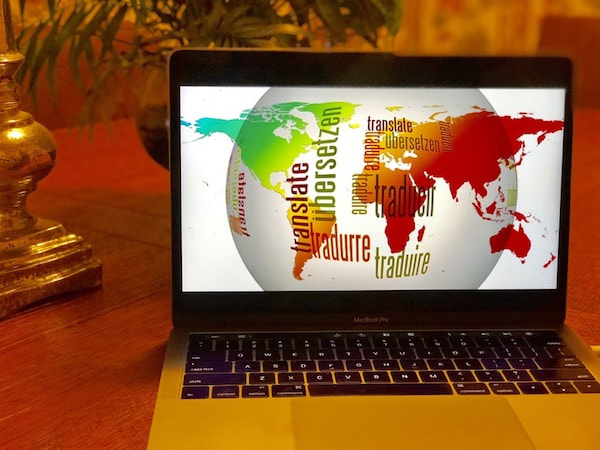
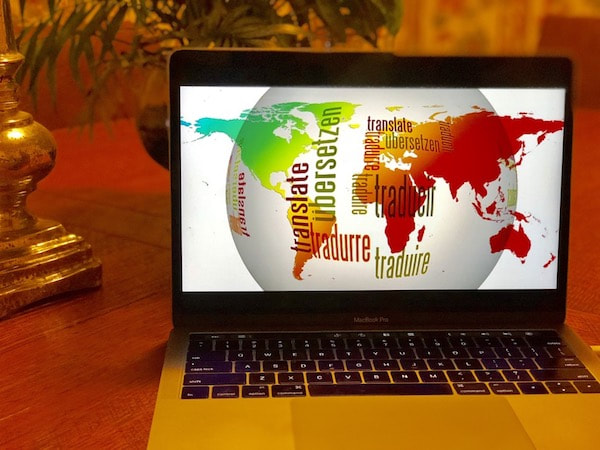
It is also very easy to do the same thing on a computer. Here's how. Just this week, a client at iTandCoffee was looking for an easy way to convert web pages from English into his first language, Serbian.
In this article we will look at how easy it is to do this for any web page on your computer. A client of iTandCoffee this week found that he could not arrange his Visa for a visit to Myanmar because Google Chrome on his Windows computer was blocking, and the site needed these popups to be enabled.
To assist this client, I prepared the following set of instructions that give the steps to follow in Chrome to enable popups for a specific site like this. Here they are: 1. Select the 'three dots' at top right (see below image) 20/5/2016 3 Comments Do your kids tell you that you should use Chrome on your Mac instead of Safari? I have lost count of how many times recentlyI have seen clients who have Macs and are running Chrome as their web browser. Most of the time, when I ask them why they are using Chrome, they tell me it is because their kids told them that it is so much better than Apple's built-in web browser, Safari. These clients have no real reason to prefer Chrome over Safari - the are just taking the advice of the supposedly tech-savvy younger generation. Well, guess what?! The younger generation don't always know best on technology matters. I do not use Chrome on my Mac. I use Safari. Why? My Mac is an Apple device, and Apple has built Safari to work on my Mac - so I am happy to use Safari. I have never found Safari limiting and, since it closely matches the Safari App on the iPad and iPhone, it offers a consistent 'experience' between the Mac and the iPad/iPhone. Chrome is a very 'power hungry' app and can drain you Macbook battery more rapidly than Safari. As an intensive user of my web-browser on my Macbook, I do not want to see my battery usage wasted. Quite often, IT suipport people who are not familiar with Mac will blame Safari for issues that they can't resolve - and recommend the Mac owner download and use Chrome instead of Safari. Personally, I have never found a website that does not work with Safari. For the majority of iTandCoffee clients, I would recommend sticking with Apple's standard Apps for Mac, and therefore sticking with Safari - despite what the kids (or Grandkids) and 'Windows-only' people say. For those interested in reading more, here are some articles comparing web browsers. |
What's on at iTandCoffee ?Below is our list of videos, classes and other events that are coming up soon.
Videos shown are offered for eligible members of the iTandCoffee Club. If you have questions, why not join fun and informative 'user group' meetings, held once a month. All iTandCoffee classes are run as online classes (using Zoom), which means you can attend from anywhere. |
27 Sycamore St, Camberwell, Victoria Australia
(also located in Daylesford)
Call +61 444 532 161 or 1300 885 420
to book an appointment or class, or to enquire about our services and products

|
SENIORS CARD WELCOME HERE:
Seniors Card holders qualify for a 10%* discount on eligible classes booked and paid for online. To activate the discount at the time of booking, select Redeem Coupon or Gift Certificate and enter 10OFFSEN before selecting Pay Now Seniors can also save $5** on the first full hour of appointments booked online. Enter Coupon Code of BASEN5 when booking to receive this discount. * Some heavily discounted classes are excluded from the 10% class discount offer. ** Where more than one type of discount is available, only one type of discount can be used. |
© 2012-2025 iTandCoffee Pty Ltd. All rights reserved ACN: 606 340 434


RSS Feed
